Groups
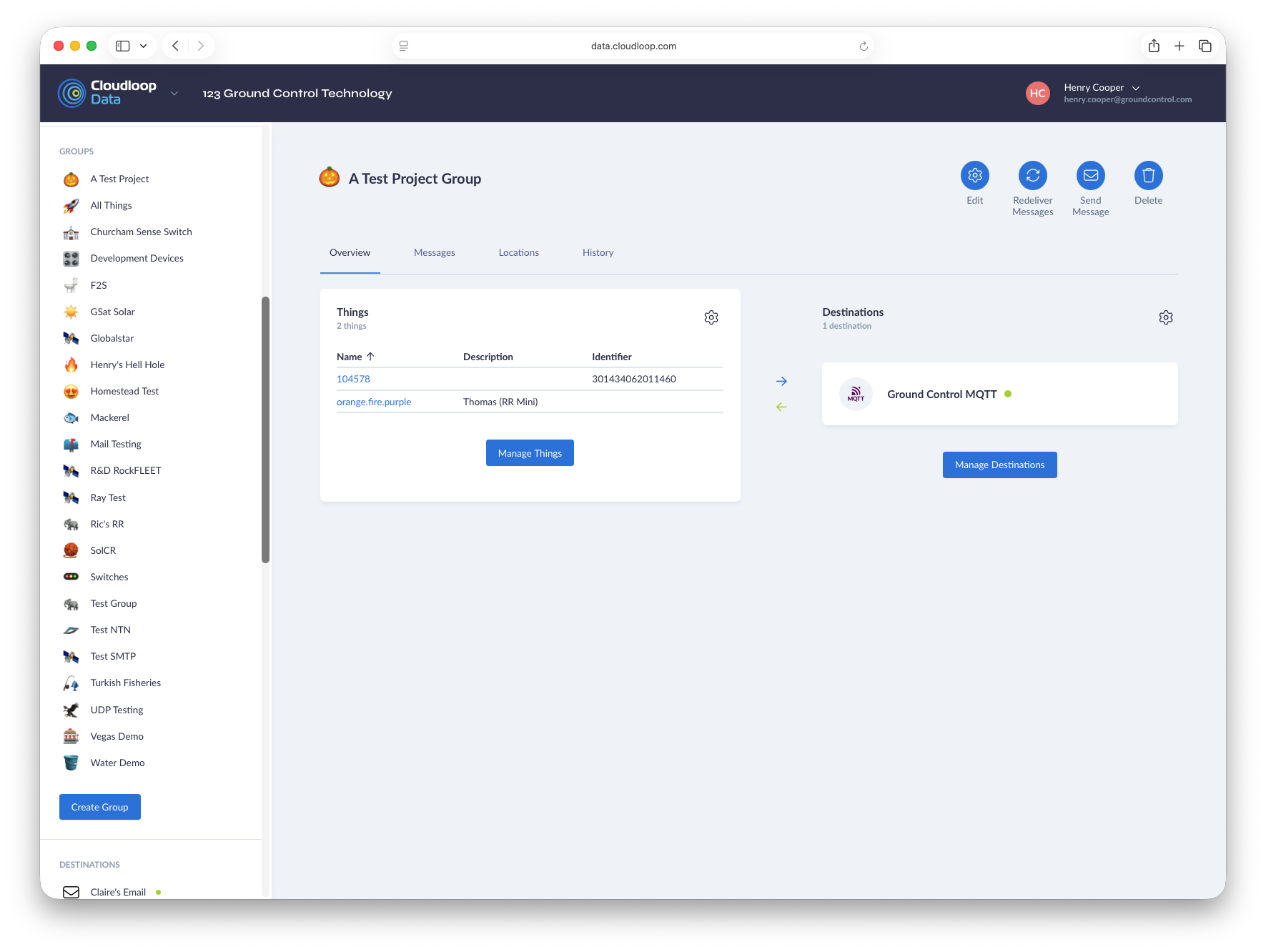
The Group page provides all the functionality for managing a specific Group, it is split into several tabs providing various information.
- Overview - Lists all Things and Destinations in the Group and allows for the adding or removing of both.
- Messages - Provides a list of messages sent to or from the Things in the Group (messages from before a Thing was added to the Group will still be listed).
- Locations - Shows the location of all Things in the Group according to their last reported position.
- History - Provides a list of events altering the Group
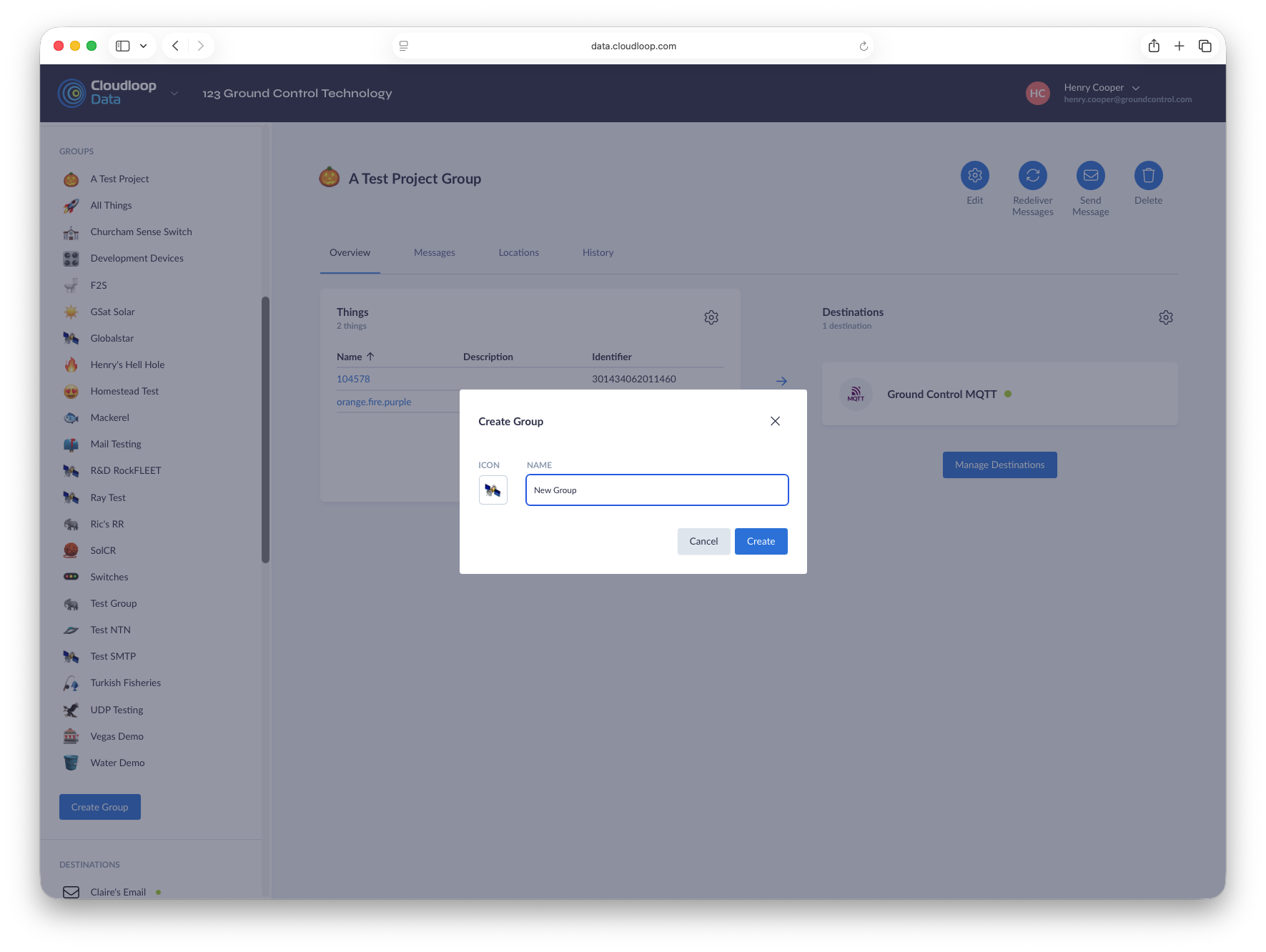
- Creating the Group
- Updating the Group icon or name
- Adding/Removing Things
- Adding/Removing Destinations

The toolbar provides a number of tools specific to the Group being viewed.
- Edit - Changes the name or icon of a Group
- Redeliver Messages - Opens the redelivery menu for redelivering Group messages
- Send Message - Opens the send message menu for sending a message to all Things in the Group
- Delete - Deletes the group