Send Message
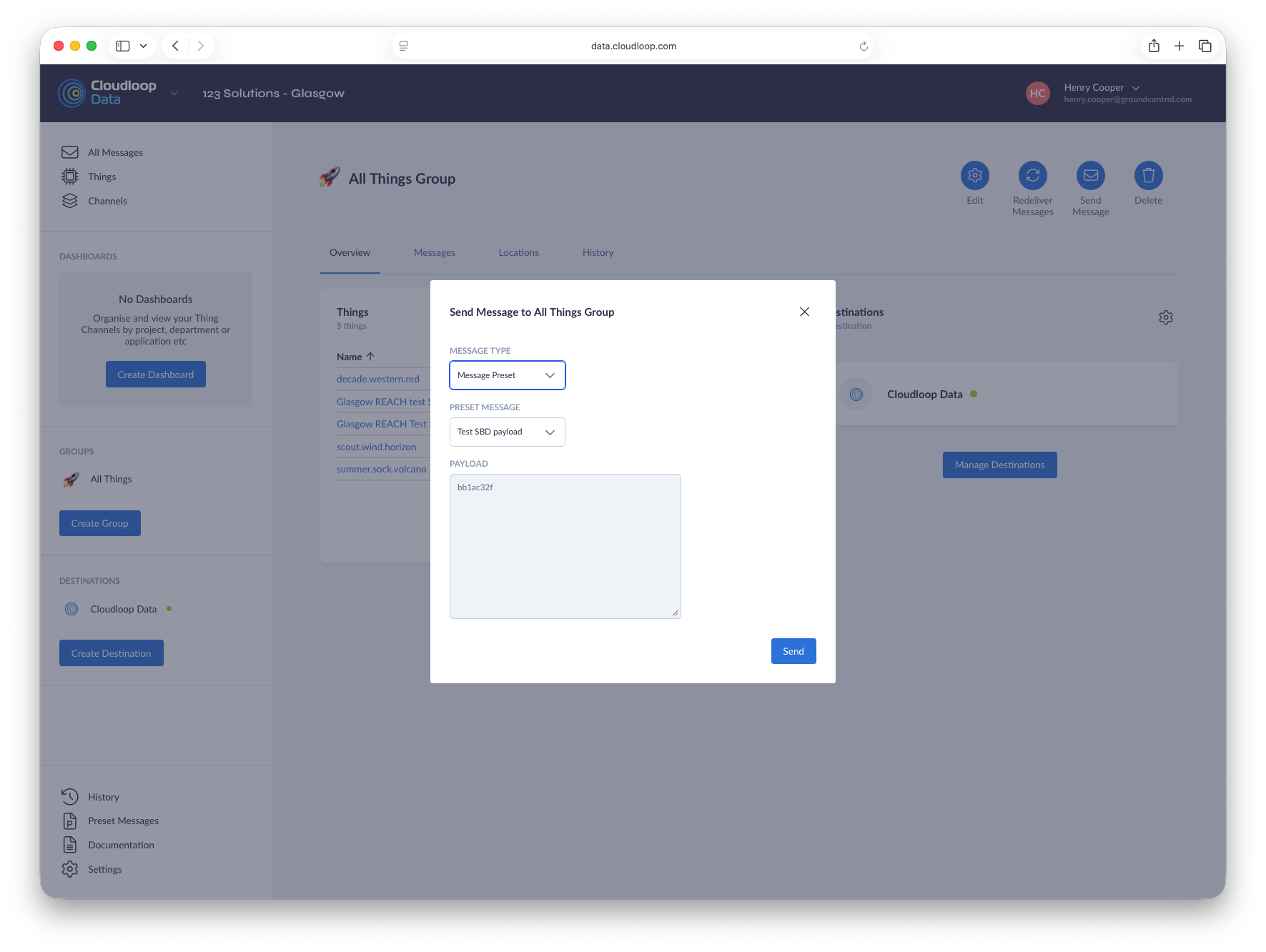
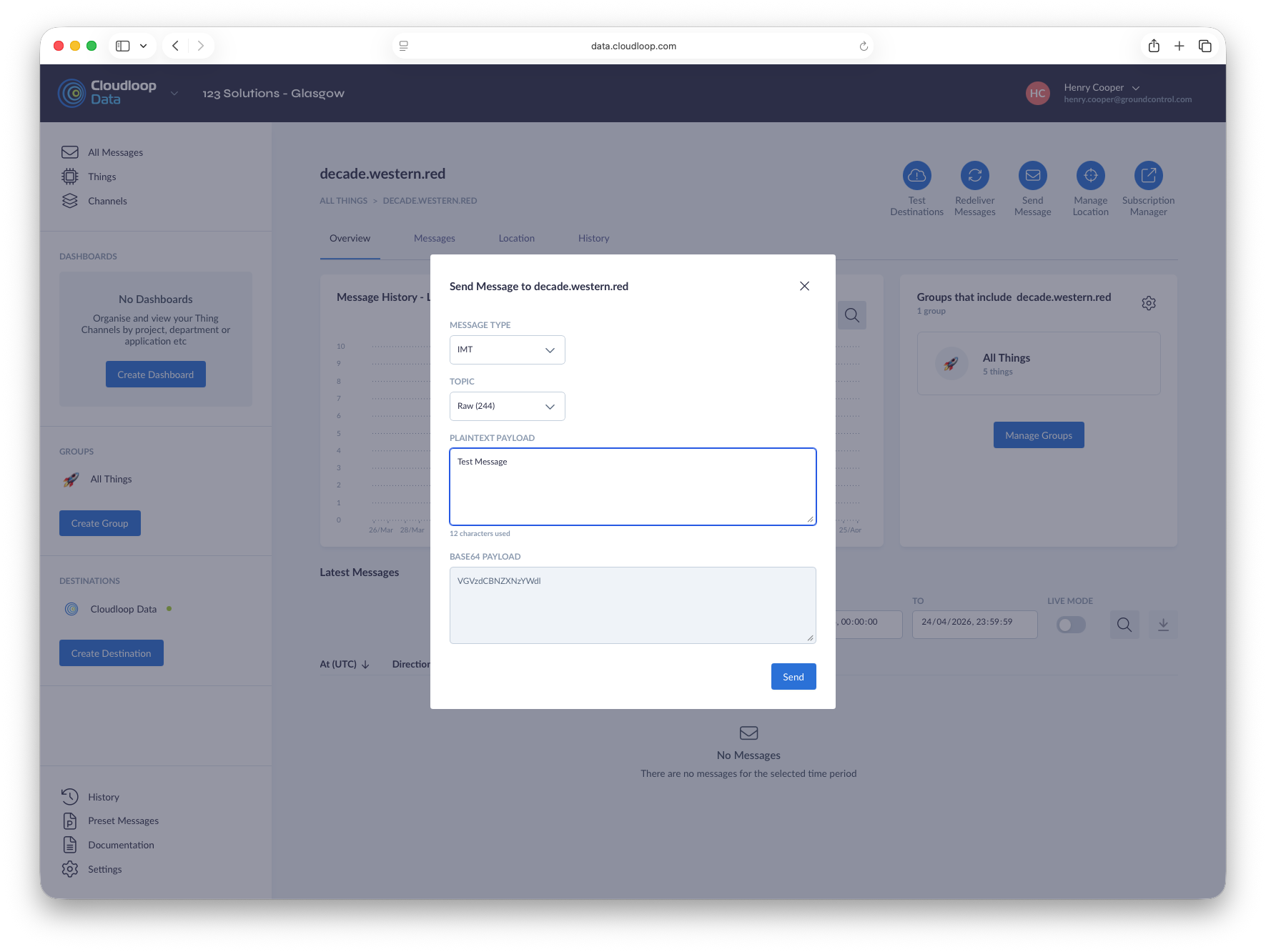
The Send Message function allows the sending of a Message to a Thing directly from Cloudloop Data. The process of sending a Message is as follows.
- Choose the Message type. The dropdown will only contain Message types compatible with the Thing you are attempting to send to.
- Paste your payload into the relevant box, for IMT/SBD Message type this can be entered as plaintext or base16/64 encoded. More complex message types are entered as JSON, the formats can be found in the protocol documentation. If using a message preset, choose the preset from the dropdown and the payload will be displayed.
- Press Send. For a successful send to a Group, all Things in the Group must be compatible with the message format.