Redeliver
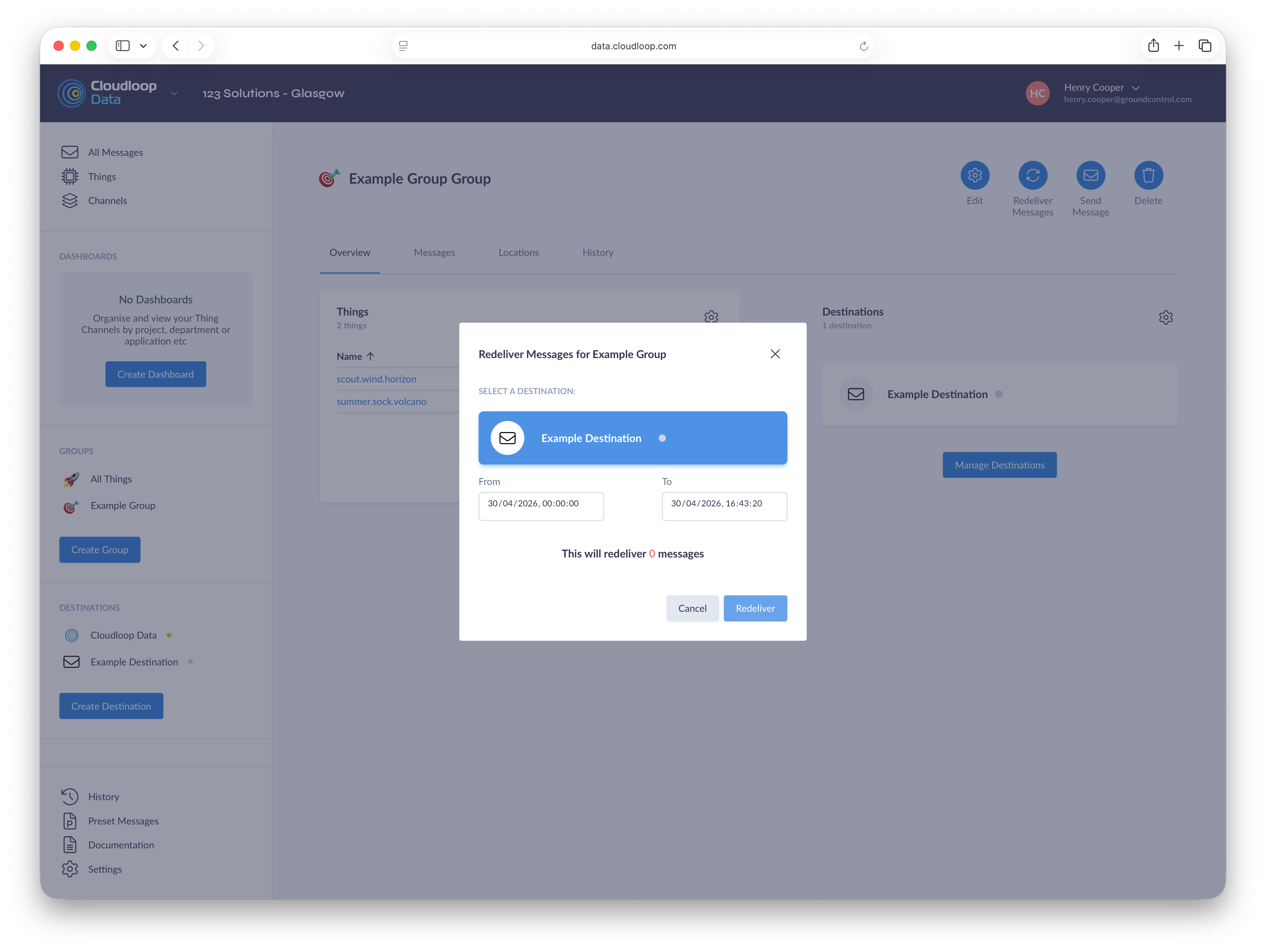
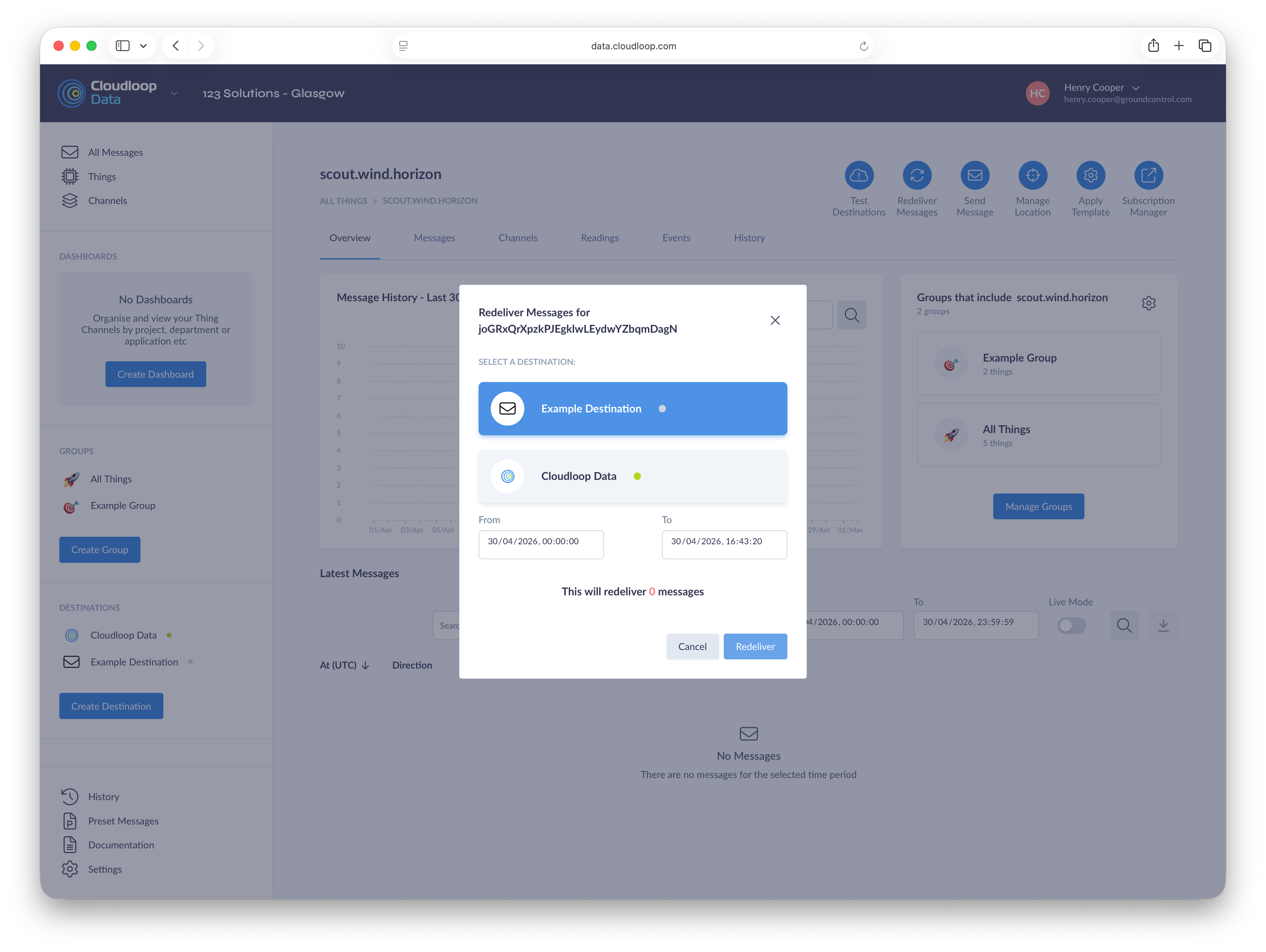
The redelivery function allows you to deliver previously processed Messages to new or existing Destinations.
Redelivery can be accessed either from a Thing page or from a Group page. The process for redelivering Messages is as follows.
- Select a destination from the list of available Destinations. When redelivering for a Thing, this list will include all Destinations in all Groups the Thing is a member of. When redelivering for a Group, the listed Destinations will only be for that Group.
- Choose a date range from which all Messages will be redelivered.
- Review the number of redeliveries and ensure it is as expected. A Thing redelivery will only include Messages from the specific Thing. A Group redelivery will include all Messages from all Things in the Group.
- Press redeliver.
Note that it does not matter whether a Thing or Destination was part of a specific group when the original Message was sent, new Groups can be formed purely for redelivery and all legacy Messages will be deliverable.